100% Free AI Outpainting Online
Effortlessly extend your images in any direction with one click. Try our 100% free AI outpainting tool to enhance your images with limitless visual expansion. Try it for free!

Extend Images Online with AI Outpainting
Upload your image, expand it from any angle with precise control over boundaries, and witness our free AI outpainting’s magic.
Extend Images Seamlessly With AI Outpainting
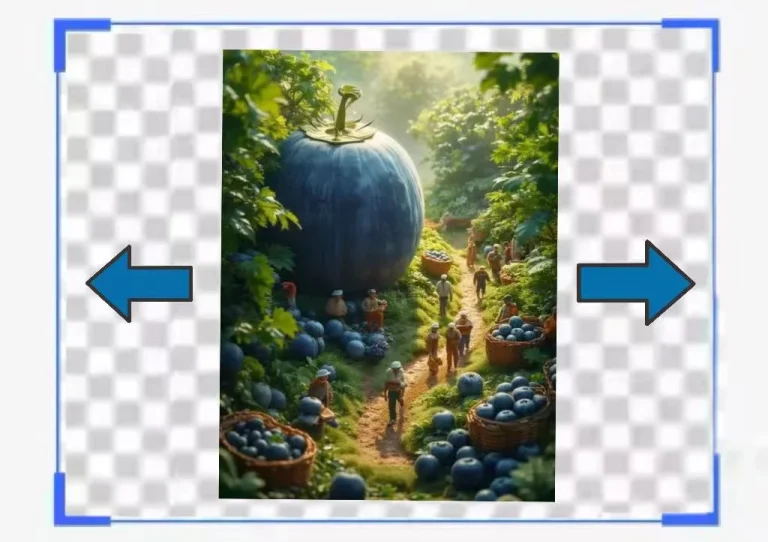
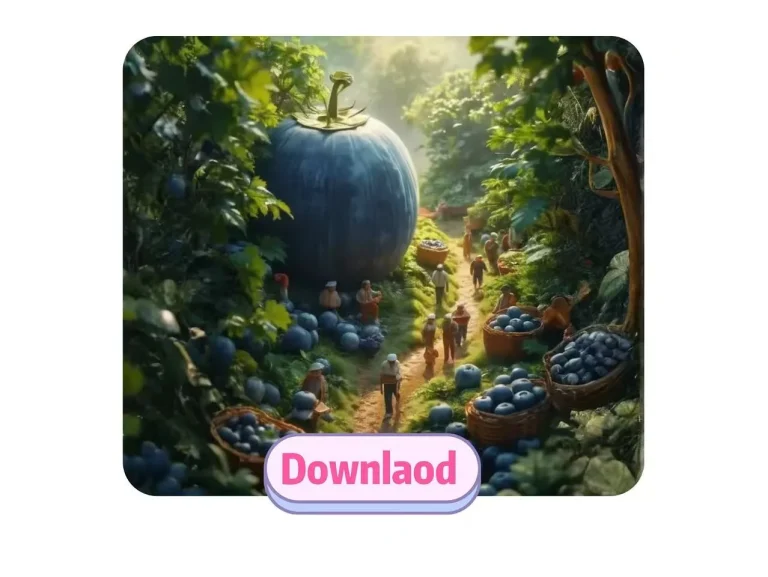
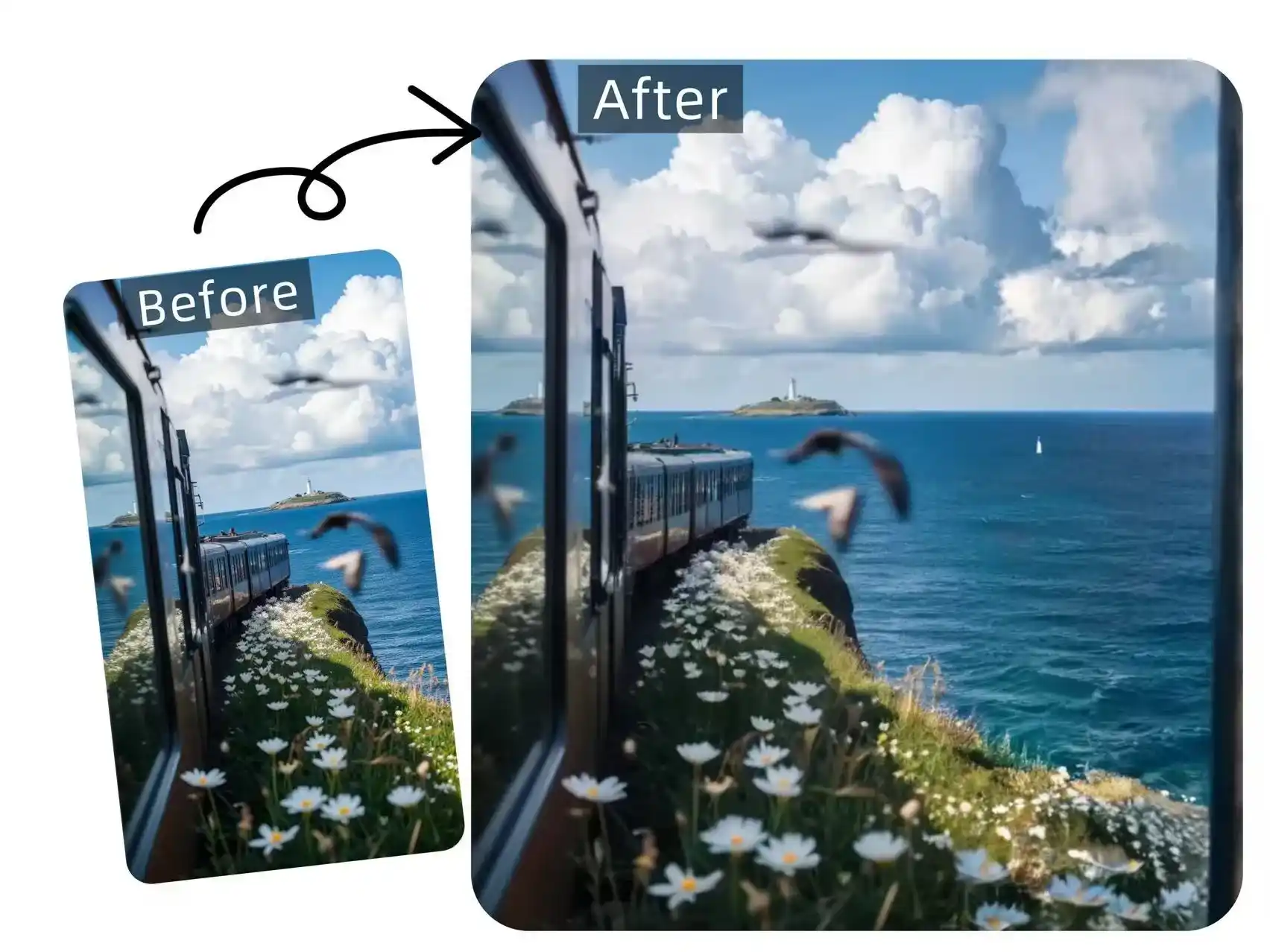
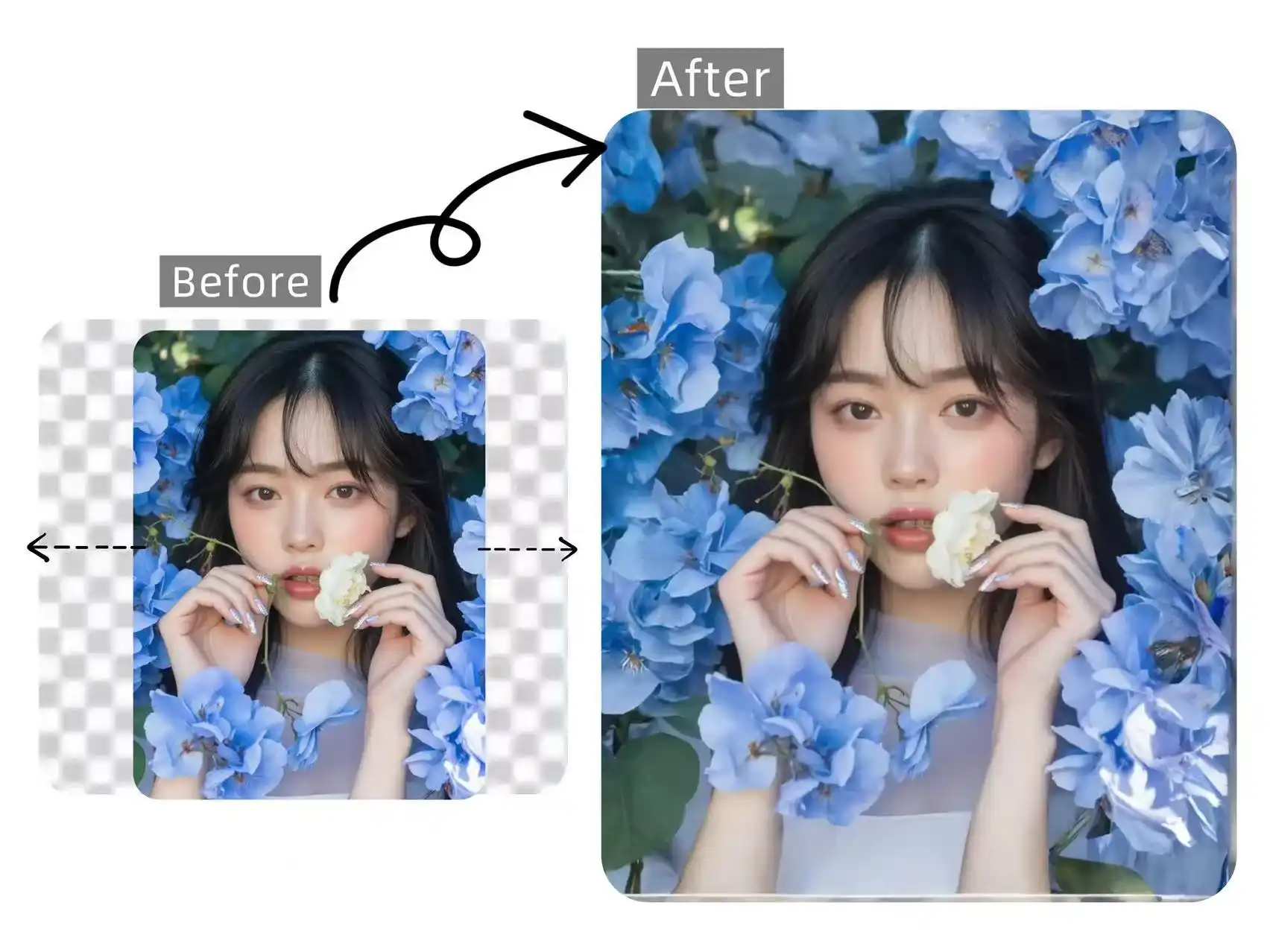
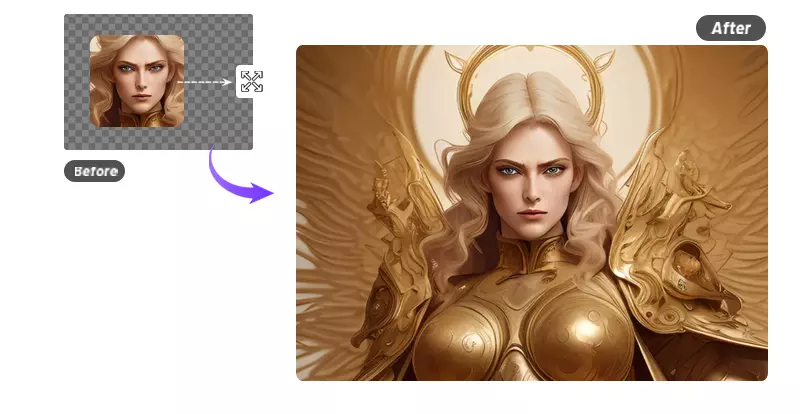
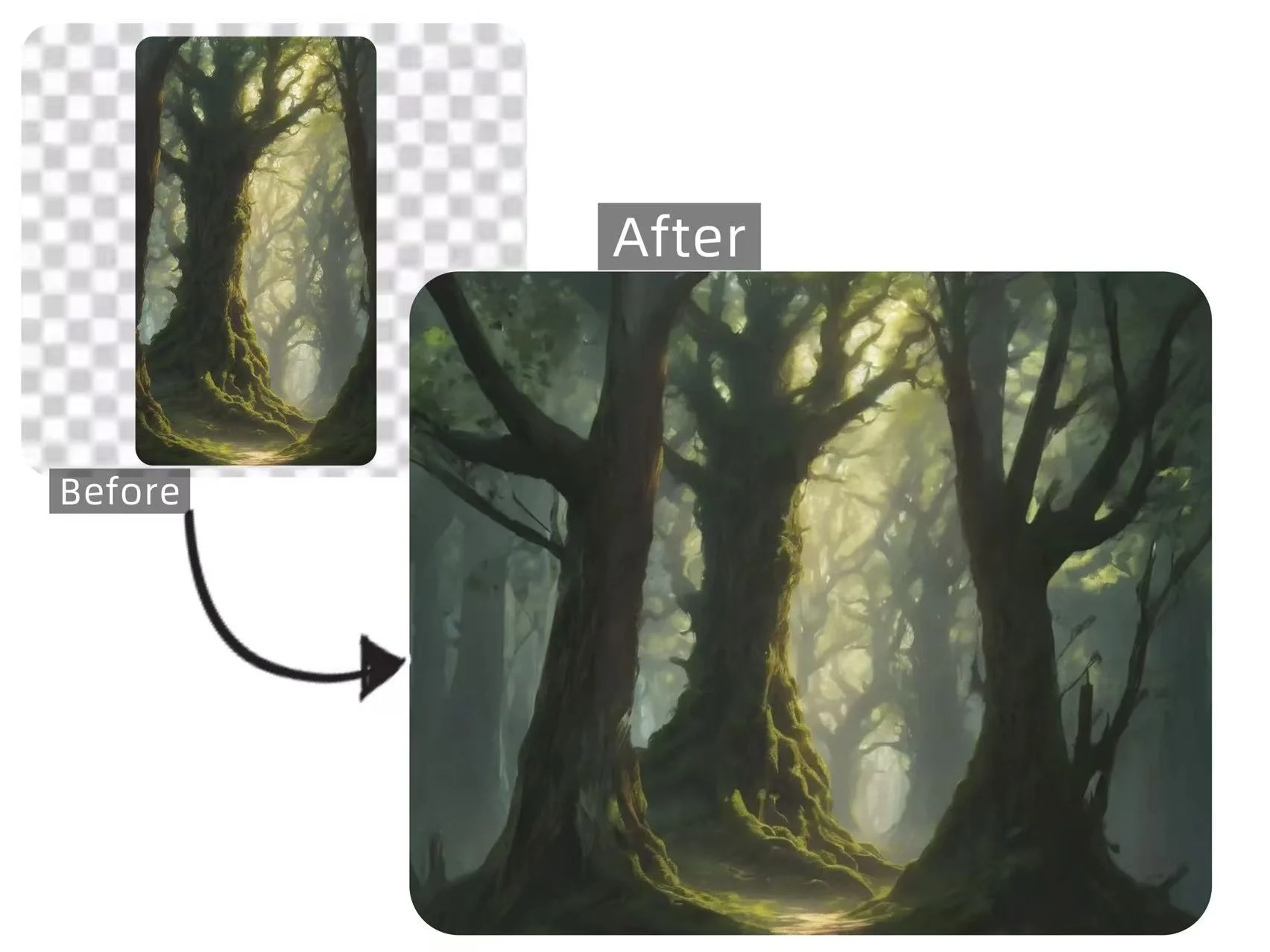
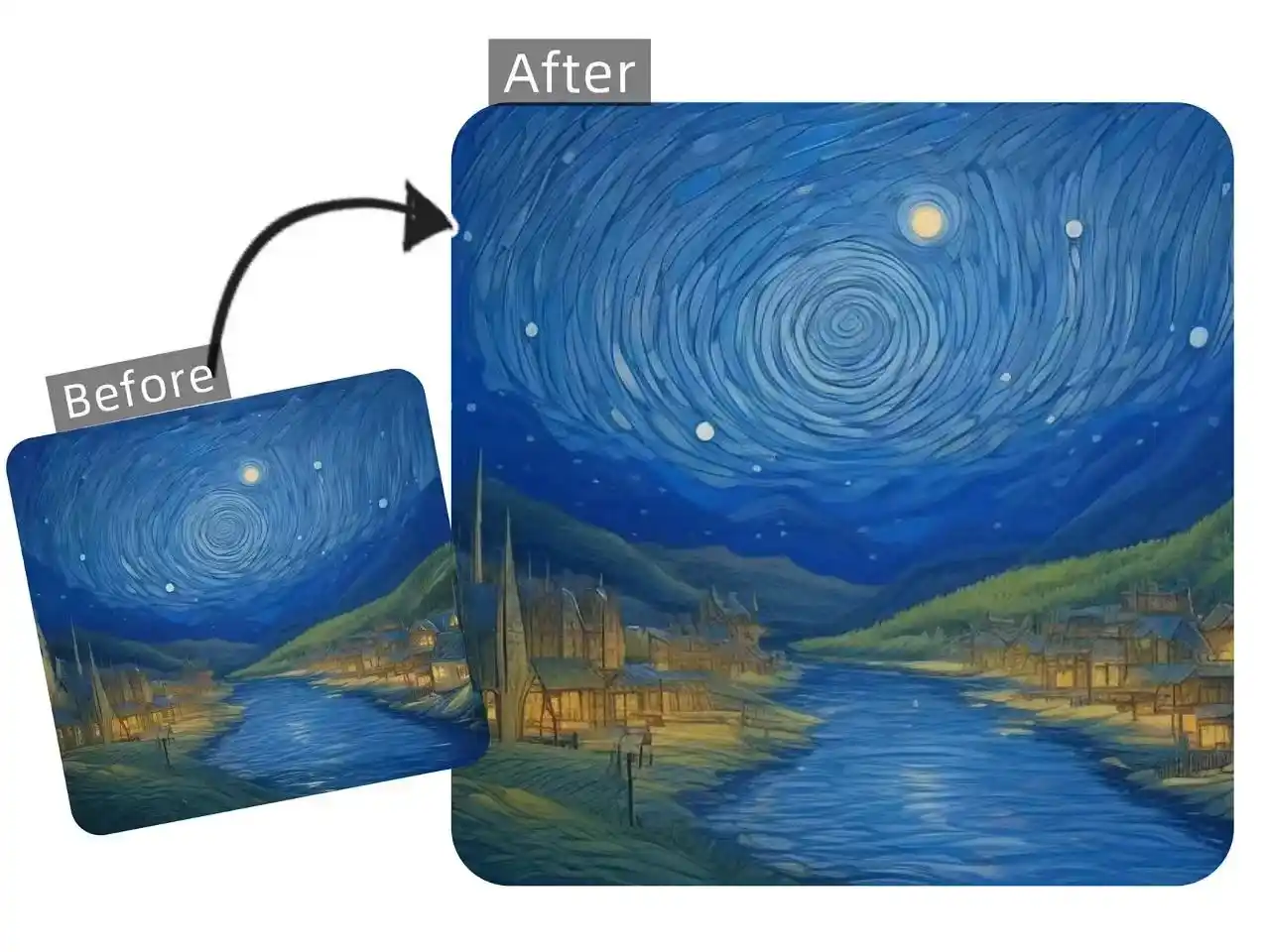
Our AI outpainting tool allows you to infinitely expand your image beyond its original borders. Simply upload a photo, and our free AI outpainting tool will automatically extend it based on your settings, creating new areas that perfectly match the original style and details, blending in as if they were always part of the image.
AI Outpainting Shatters Image Limits Instantly
AI outpainting can generate new content that naturally blends with the original image from all four directions: top, bottom, left, and right. Unlike traditional manual stitching or Photoshop border expansion, AI outpainting is faster and produces more harmonious results with stunning details that often exceed expectations. Now, with our free tool, expanding images in every direction no longer requires complex steps.
Fix Incomplete Edges Using AI Outpainting
Tired of dealing with incomplete image edges or missing content from cropping? It's time to try our free AI outpainting tool to effortlessly extend your images online. After analyzing your existing image's content and style, AI outpainting predicts and generates the missing or cropped outer sections, seamlessly reconstructing your image to perfection. Our powerful AI outpainting tool delivers easy edge restoration and natural image expansion in just one click.
Free AI Outpainting for Art Recreation
Our AI outpainting is no longer just a simple image restoration tool, it has become a versatile creative tool that can be used for artistic reconstruction, illustration expansion, and more. For example, if you upload a fragment of Van Gogh's Starry Night, AI outpainting will authentically extend the original painting, generating surrounding skies, villages, and mountains, transforming it into a breathtaking expanded masterpiece and offering you more creative possibilities.
HOW
Easy-to-Use Guide for AI Image Outpainting
Say goodbye to complicated prompts. Our AI outpainting automatically extends your images with perfect results in just three easy steps.
Step 1: Upload Your Image
Step 2: Adjust the Settings
Step 3: Download for Free
FAQ
FAQs about Free AI Outpainting
Have questions? We're here to help. For any inquiries about our free AI outpainting tool, please don’t hesitate to contact us.
What is AI outpainting tool?
AI outpainting tool is an advanced photo editing tool that seamlessly extends your images beyond their original borders while maintaining resolution. Our AI outpainting tool supports multiple image styles to deliver the most realistic and natural expansion effects.
What is the maximum extension boundary limit for AI outpainting?
Our AI outpainting tool supports maximum extensions of 300 pixels (top/bottom/left/right) while preserving original image quality.
Does AI outpainting affect the sharpness of the original image?
No, AI outpainting doesn’t affect your original image’s sharpness. It only generates new content in the extended areas while keeping the source image perfectly intact.
Is there a daily limit for free AI outpainting usage?
Yes, our free plan currently offers 50 AI outpainting operations per day, perfect for casual editing and testing the tool’s capabilities.
Will the AI outpainting generated extensions match my original image's style?
Yes! Our AI outpainting carefully analyzes your image’s colors, textures, and patterns to generate extensions that naturally match your original style. For best results, use high-resolution images with clear visual patterns.