
A subtitle generator is an efficiency-boosting AI tool that automatically detects speech in your videos and adds subtitles. You can also freely choose the subtitle style, giving you fast and accurate results every time.
Free AI Subtitle Generator Online
Automatically add subtitles to your video with our free subtitle generator.
Subtitle Generator
3 free run everyday (≤10s)No login No watermark
100% Free & Accurate
Free AI Subtitle Generator: Add Captions to Videos Online
Generate subtitles for your videos with our subtitle generator. Enjoy highly automated, fully customizable AI subtitles that save you time and effort.
Get started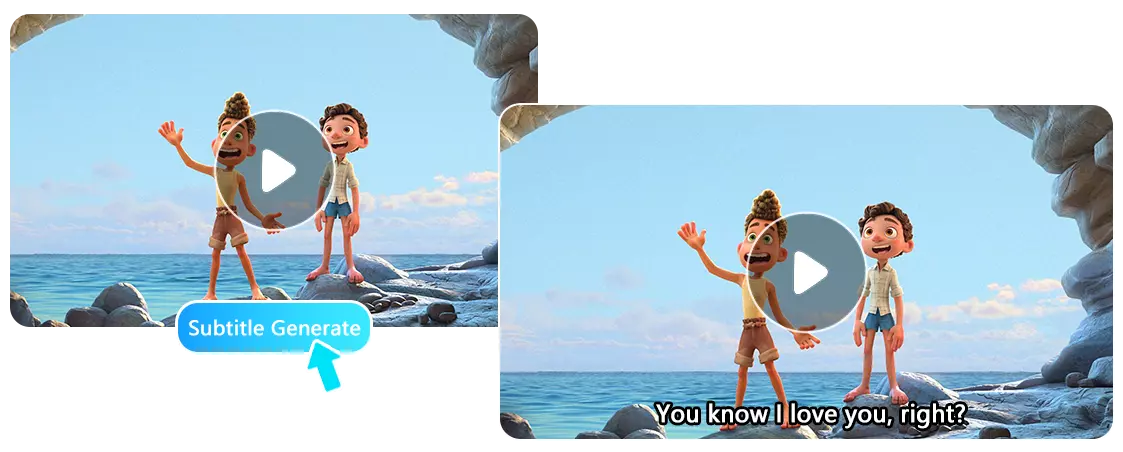
Why Do You Need Auto Caption Generator Today?
Boost Your YouTube Video Output with Video Caption Generator
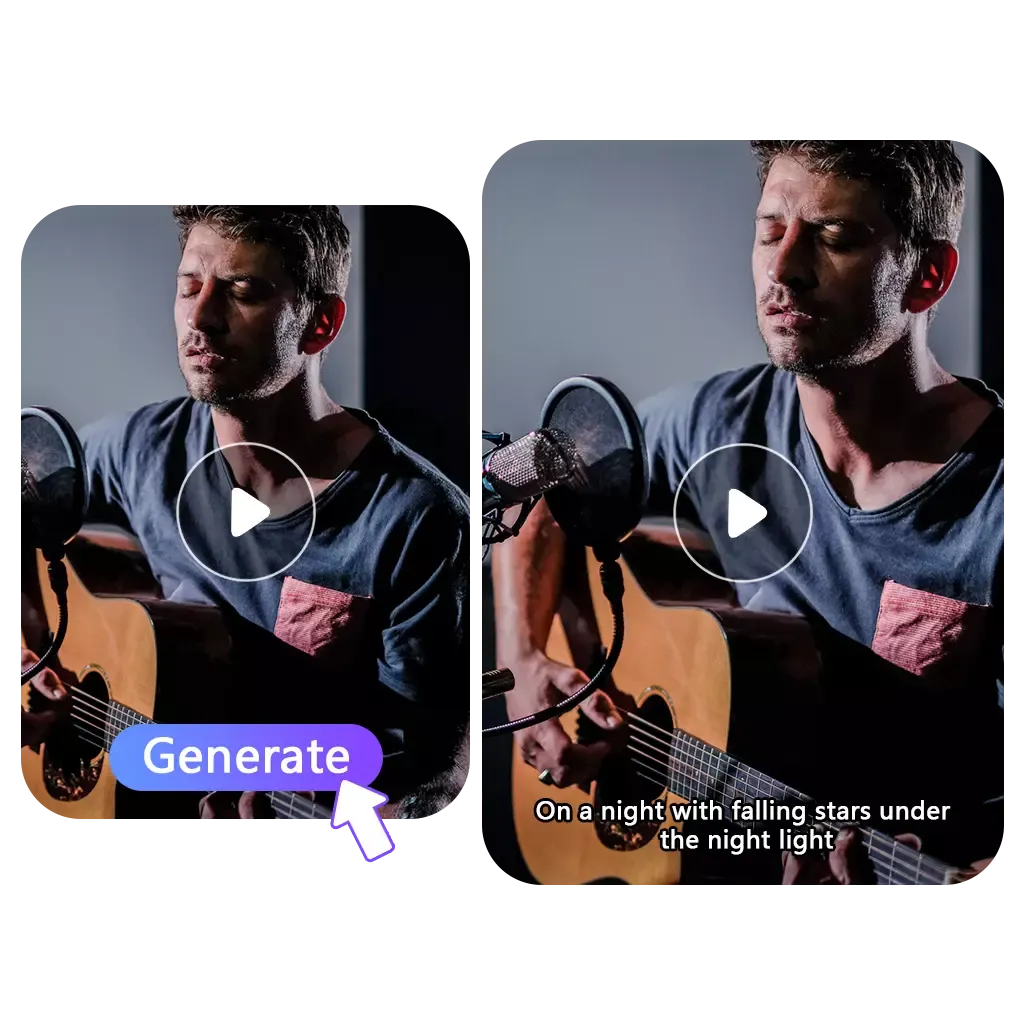
As a video creator, adding subtitles to every video can be time-consuming and tedious. Our AI subtitle generator automatically generates accurate subtitles for your videos, letting you freely customize styles to match your content. This boosts your video production efficiency and allows you to focus on creating, rather than on the tedious task of adding subtitles.
Add Caption Now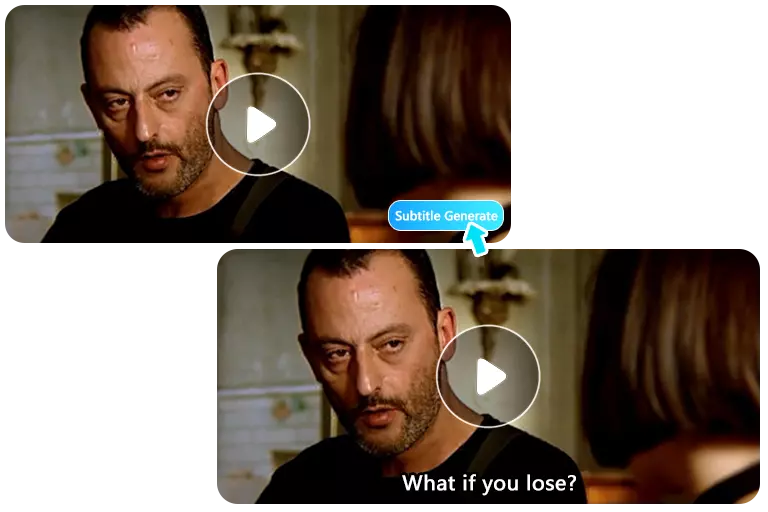
Add Subtitles to Online Courses for More Convenient Note-Taking
Without subtitles, students can easily get overwhelmed during online courses and struggle to take complete notes. With our subtitle creator, adding subtitles to your courses is effortless, ensuring students never miss important points due to fast speech or unclear audio. Just upload your video and click generate—it's fast, easy, and convenient.
Add Caption Now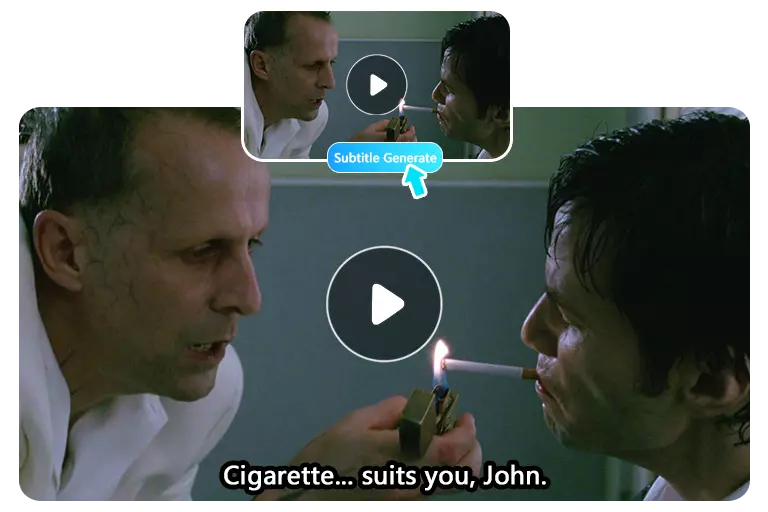
Easily Reach Global Audiences with AI Subtitle Generator
With our subtitle generator, you can effortlessly add precise subtitles to your movie, breaking down language barriers and reaching a wider audience. Automatically generated subtitles let viewers from different language backgrounds easily follow the plot, helping you expand your movie's impact and boost its viewership.
Create Subtitles for Free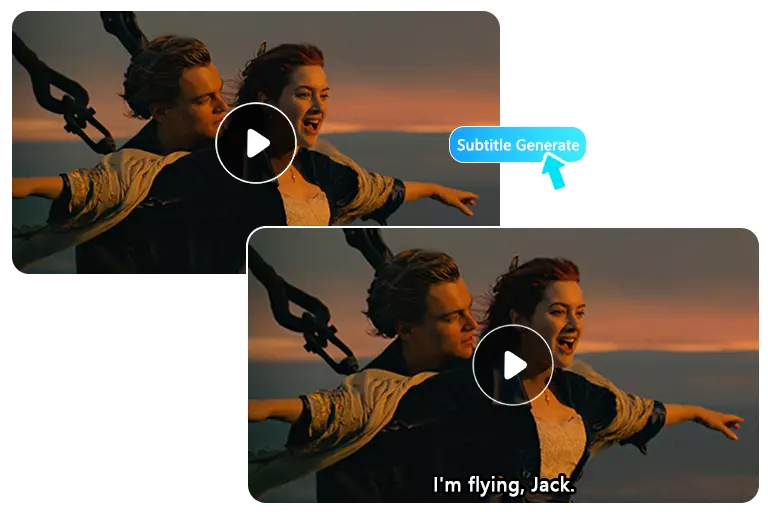
4 Key Benefits of Using Our AI Subtitle Generator
Our video caption generator stands out for four key reasons, offering an efficient, accurate, and easy way to add subtitles to your videos. Try it for free!
Add Subtitles to Video Now100% Accurate
Our subtitle generator produces highly reliable subtitles, capturing speech in your videos with precision so your audience never misses a word.
No watermark & ads
Download your videos with added subtitles in full HD, completely watermark-free, for a professional and clean look.
Time-Saving
Automatically generate subtitles in seconds, saving you hours of manual work and letting you focus on creating great content.
Free & unlimited
Enjoy unlimited access to our free subtitle generator, with no credits consumed for daily use.
How to Add Subtitles to Your Video ?
1. Upload your video
Upload your video, we support adding captions to M4V, MP4, MOV, and WEBM formats.
2. Choose your preferred subtitle style
We offer three subtitle styles: Regular, Minimalist, and Opaque. You can select the one that best matches your video's look and feel.
Click "Generate"
Simply wait a few seconds, then download your video with subtitles added, completely free of watermarks.
Join Thousands of Users Who Trust Our Subtitle Generator
So far, over 10,000 people have used our tool to subtitle their videos. Join them today and add captions with just one click.

Emily Chen
Online Course Instructor
Used the subtitle creator for 5 online course videos. It was super easy to use, and adding captions made my lessons much clearer for students. Definitely a time-saver.

Michael Brown
Video Creator
Over 80% of YouTube users are non-native English speakers. I use a subtitle generator to add subtitles in different languages, so viewers from anywhere can easily understand my videos.

David Miller
Film Director
As a film director, I used the subtitle generator for my short film. It was quick and accurate, and the subtitles helped my story reach a wider audience and be understood clearly.
FAQ for Subtitle Generator
If you have any questions about our auto caption generator, feel free to browse the FAQs below or get in touch with us directly.