

Best Replace Face AI for Traveling Through Time | 2026 Ultimate Guide
Summary: Step-by-step guide to use replace face AI: revive memories, swap faces in photos and videos, and travel through time.
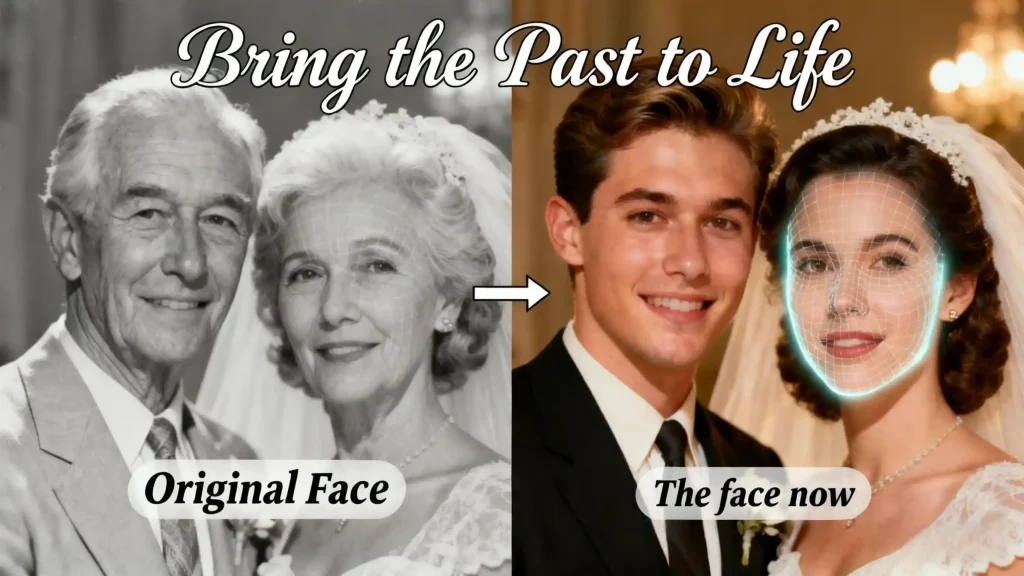
Introduction: The AI Tool That Makes Time Travel Feel Real
What if you could step into your grandparents’ 1950 wedding photo? Or bring a loved one back into a family picture—not to change the past, but to preserve memories more vividly? These ideas used to sound like science fiction, but modern replace face AI tools have made them surprisingly achievable. As people look for more personal and emotional ways to reconnect with old photos, traditional editing tools are no longer enough.
A new generation of AI face replace technology—powered by advanced deep-learning models—lets anyone swap faces in photos or videos with just a few clicks. No editing experience required. No complicated software. Just upload, choose a face, and watch the image transform with realistic lighting, angles, and expressions.
Core Application Scenarios
Reviving Emotional Memories
Creative Content Production
Historical Scene Recreation
Social Entertainment
Generate playful face-swap clips for social platforms—fast, fun, and surprisingly engaging.
Commercial Marketing
Create personalized campaign visuals that help brands stand out and raise engagement.
How to Use Replace Face AI: Step-by-Step Guide
Step 1: Launch the Tool
Visit the replace face AI tool to open the platform. No downloads or installations are needed—everything runs directly in your browser. Click the “Start Creating” button to enter the workspace.
Tip: Use mainstream browsers like Chrome or Safari with a stable internet connection for smooth performance.
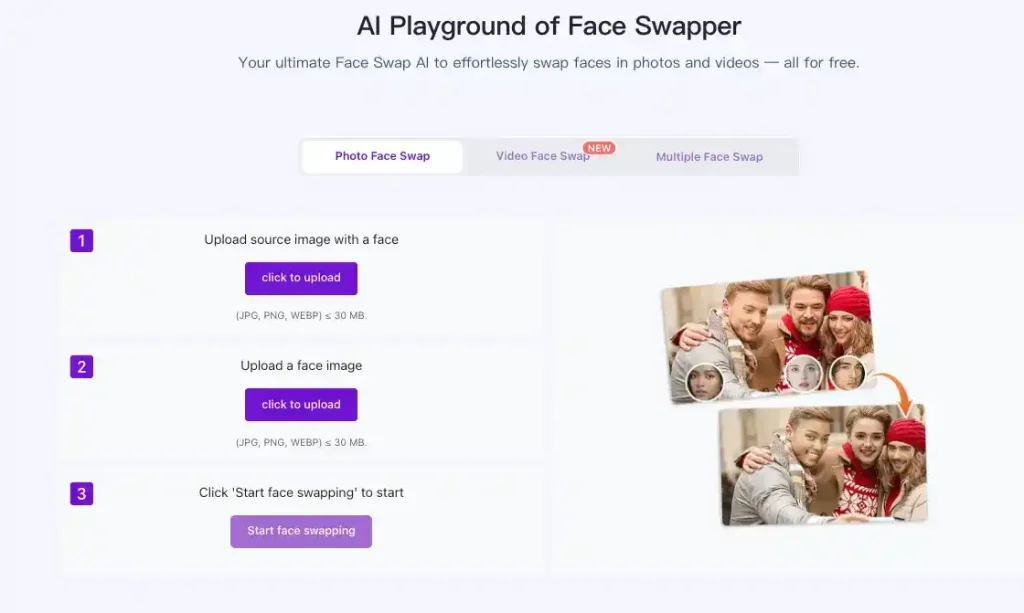
Step 2: Upload Your Materials
The tool accepts two types of uploads:
● Source Material: The photo or video containing the face you want to replace. Supported formats: JPG, PNG, MP4, MOV.
● Target Face: The portrait photo that will replace the original face. Upload a clear, frontal image.
Material Recommendations:
● Photos: minimum 720p, well-lit and clear faces
● Videos: under 3 minutes for faster processing
Step 3: Smart Recognition and Adjustment
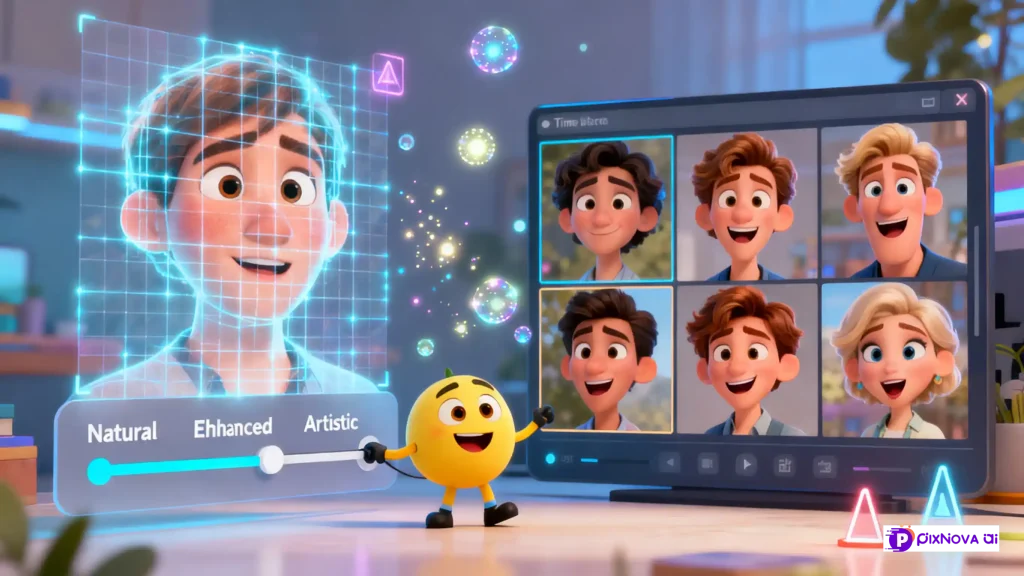
After uploading, the AI automatically detects faces in your material. If multiple faces appear, select the one to replace. Adjust the effect using three modes:
- Natural: Keeps original texture and atmosphere
- Enhanced: Optimizes facial details and clarity
- Artistic: Adds subtle stylistic effects for creative content
Drag the slider to preview changes in real time.
Step 4: Generate and Export Results
Click “Generate” to create the final image or video. Processing time: photos ~10–30 seconds, videos ~1–5 minutes. Preview your results on the page, then download or share directly to social platforms.
Pro Tip: Start with photos to get familiar before working on longer videos.
Real-World Replace Face AI Examples
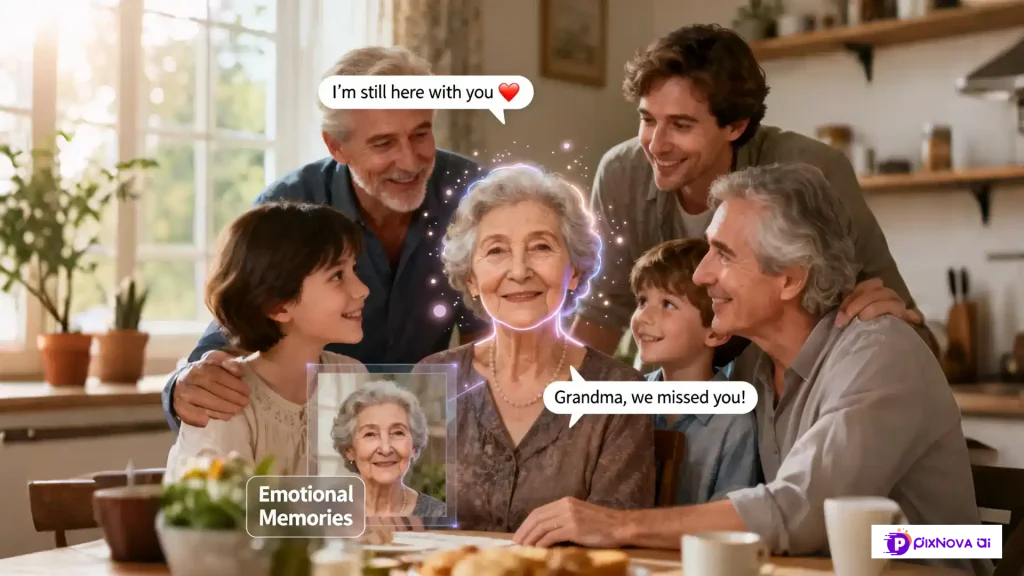
Case 1: Reviving Emotional Memories
- User Background: Emily, 35, mother from the U.S.
- Scenario: Integrate her late grandmother’s face into a recent family photo.
- How AI Was Used: Uploaded family photo as source material and grandmother’s portrait as target face. Used Natural Mode to maintain textures and lighting.
- Result: Seamless photo blending grandmother into the gathering. Emotional impact high.
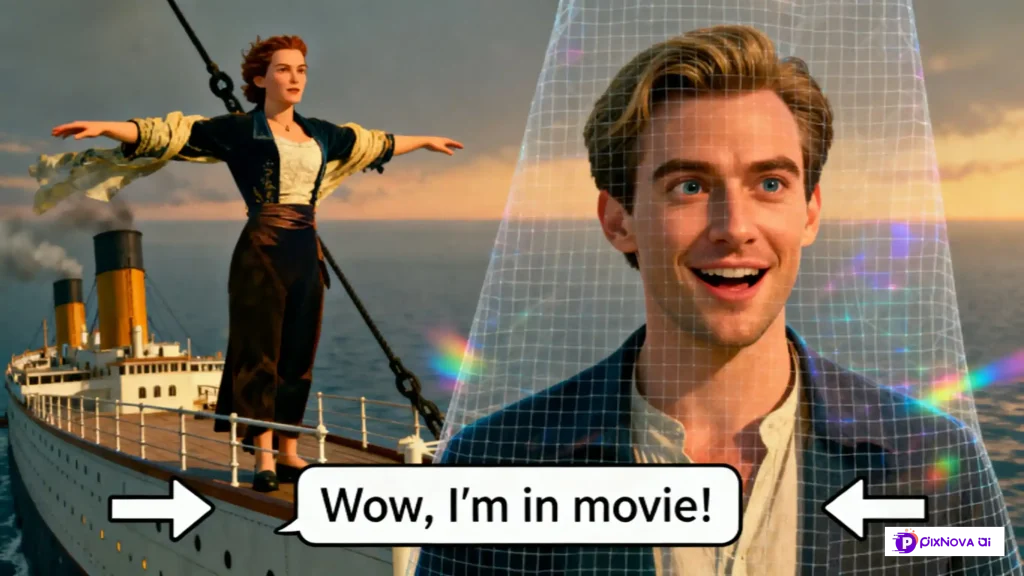
Case 2: Creative Content Production
● User Background: Jake, 28, content creator and movie fan.
● Scenario: Place his own face into iconic movie scenes.
● How AI Was Used: Uploaded movie screenshots (source) and selfies (target), used Artistic Mode, previewed clips.
● Result: Short videos gained attention on TikTok and Instagram.
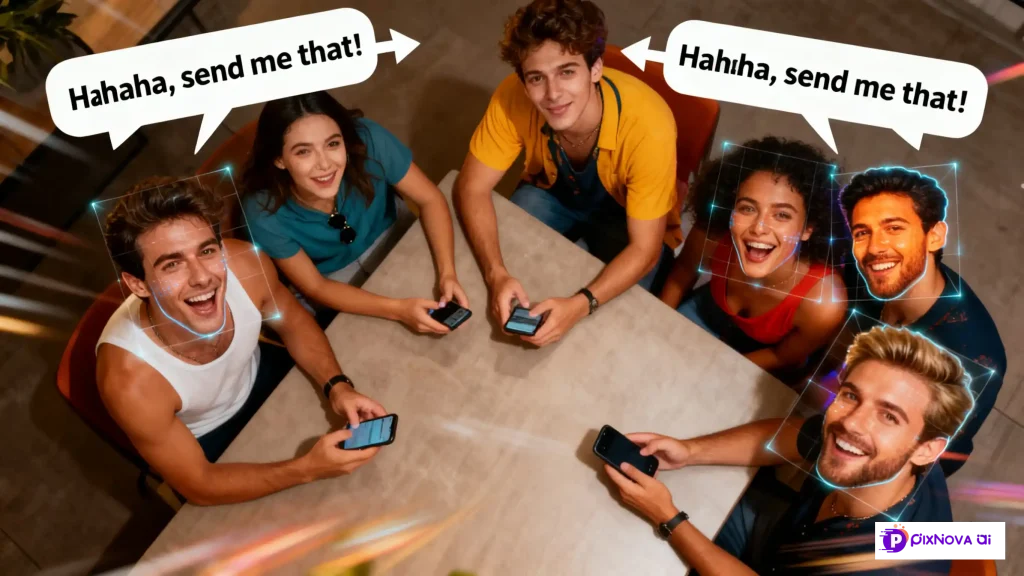
Case 3: Social Entertainment
- User Background: Mark, 25, social influencer
- Scenario: Swap faces with friends in casual photos
- How AI Was Used: Upload group selfies, select each friend’s face, Enhanced Mode, preview results
- Result: Viral short clips, humorous content
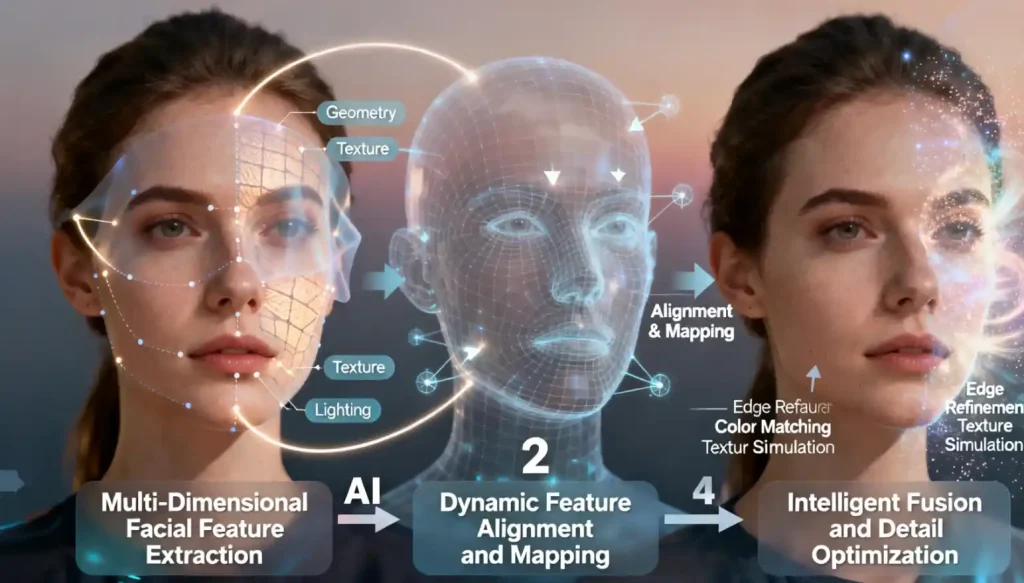
How Replace Face AI Works: Core Technology Explained
- Step 1: Multi-Dimensional Facial Feature Extraction
Detects geometry (facial landmarks), textures (skin tone), and lighting for source and target faces. - Step 2: Dynamic Feature Alignment and Mapping
Adjusts angles, expressions, and movements to synchronize eyes, mouth, and head positions with the scene. - Step 3: Intelligent Fusion and Detail Optimization
Refines edges, matches brightness/contrast, and simulates subtle skin textures for a natural finish.
Example: Replacing your face into a 1920s family photo. AI restores color, matches photo to vintage texture, and blends seamlessly, making it look authentic and realistic.
Conclusion
Replace Face AI opens a new dimension for creativity, memory preservation, and storytelling. Whether you want to relive cherished moments, step into classic movies, engage students with historical scenes, entertain friends on social media, or create personalized marketing campaigns, this tool makes realistic face swapping accessible to everyone—no professional skills required.
By intelligently analyzing, aligning, and blending facial features, Pixnova AI ensures seamless, natural results that preserve the emotion and context of the original material. Every photo or video becomes a portal to the past, a canvas for imagination, and a bridge connecting reality with creativity.
Ready to transform your photos and videos? Start experimenting today with the Pixnova replace face AI generator and see how replace face AI can bring your memories, stories, and ideas to life.